A 404 error (or "404 Not Found") is an HTTP status code returned by a web server when a requested page does not exist at the specified URL. In SEO, 404 errors waste crawl budget, break link equity chains, and create broken links, and create a poor user experience. While some 404s are natural and harmless, large numbers of 404 errors on important pages signal site quality issues to search engines.
Types of 404 Errors
- Standard 404: The server correctly returns a 404 status code for a page that does not exist
- Soft 404: A page that appears to return content (200 status) but actually shows an error message. Google detects these and treats them as errors
- Custom 404 page: A branded error page that helps users navigate back to useful content, reducing bounce rate
- 410 Gone: Similar to 404 but explicitly tells search engines the page was intentionally removed and will not return
How to Find and Fix 404 Errors
- Google Search Console: Check the Pages report for "Not found (404)" errors
- Crawl tools: Use Screaming Frog or Ahrefs Site Audit to find broken internal links
- 301 redirect: Point deleted pages to relevant alternatives
- Fix the link: Update internal links pointing to the wrong URL
- Custom 404 page: Create a helpful error page with search functionality and popular links
Why It Matters for SEO
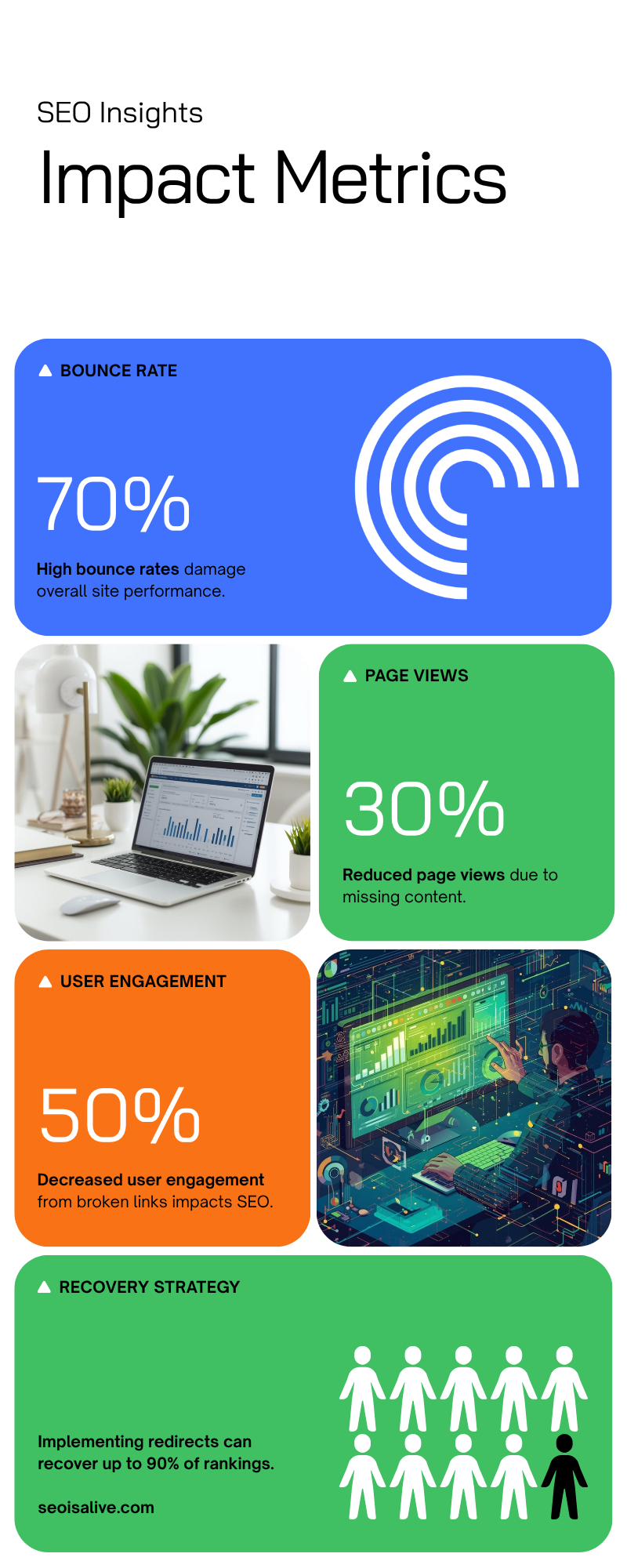
Every 404 error on a page that previously ranked or had backlinks represents lost SEO value. The link equity from external backlinks pointing to a 404 page is completely wasted. Additionally, excessive 404 errors consume crawl budget that could be spent indexing valuable pages. Regular monitoring and fixing of 404 errors is a fundamental part of technical SEO maintenance. Use Google Search Console to monitor 404s.