4XX errors are HTTP status codes in the 400-499 range that indicate a client-side error. When a browser or search engine crawler requests a page and receives a 4XX response, it means the request itself was the problem. The server understood the request but could not or would not fulfil it. For SEO, 4XX errors are serious because they prevent pages from being crawled and indexed.
HTTP Status Code Categories
- 1XX: Informational responses
- 2XX: Success (200 OK is what you want)
- 3XX: Redirects (301, 302, etc.)
- 4XX: Client errors (your problem to fix)
- 5XX: Server errors (server-side problem)
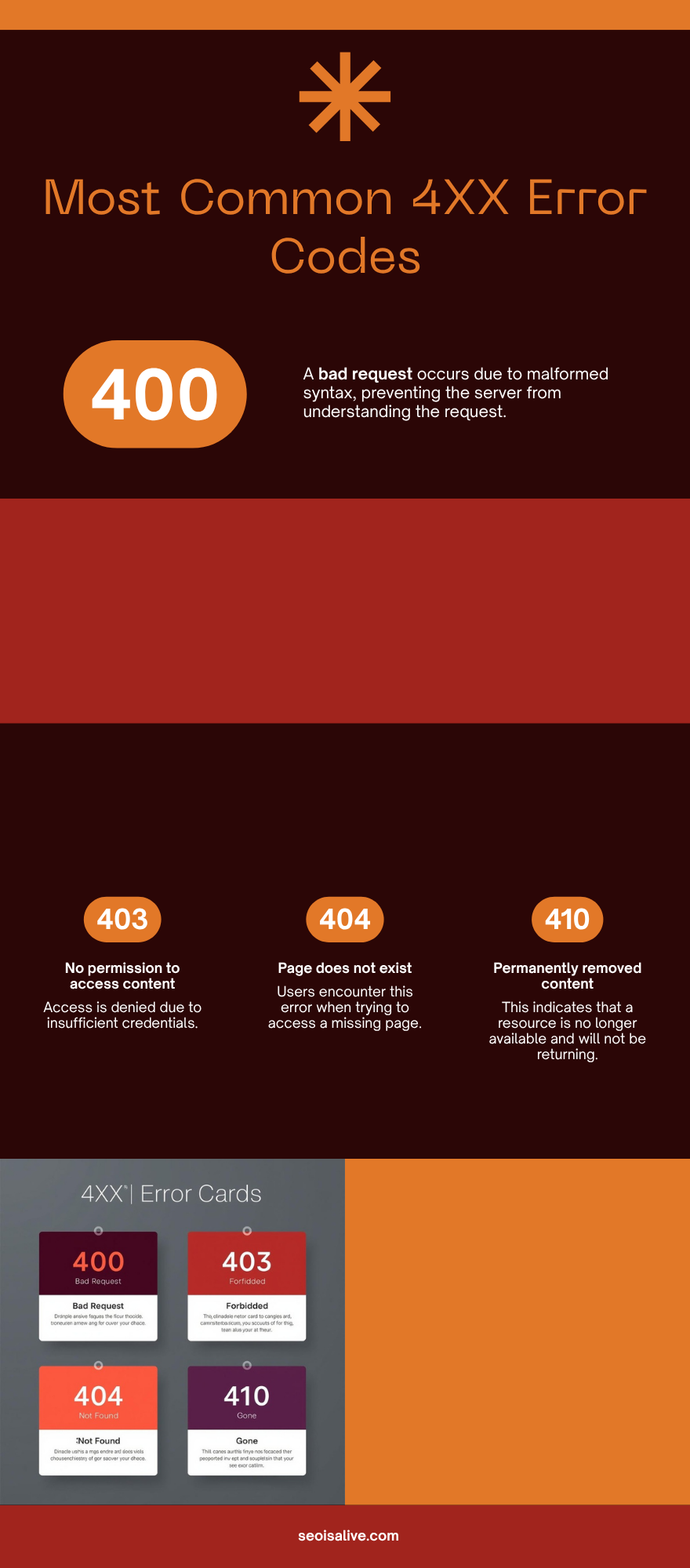
Key 4XX Status Codes Explained
400 Bad Request
The server cannot process the request due to invalid syntax. Common causes include malformed URLs, corrupted request data, or invalid query parameters. Rarely seen by regular users but can appear with broken forms or API integrations.
401 Unauthorized
The request requires user authentication. The page exists but the user must log in first. For SEO, pages behind authentication cannot be indexed by search engines unless you explicitly want them crawled with specific credentials.
403 Forbidden
The server understood the request but refuses to authorise it. Unlike 401, re-authenticating won't help. Common causes: incorrect file permissions, IP blocking, or a robots.txt rule combined with a server-level block. If Googlebot receives a 403, it will stop crawling that URL and eventually drop it from the index.
404 Not Found
The most common 4XX error. The page simply does not exist on the server. Causes include deleted pages, changed URLs without redirects, and broken internal links. See our dedicated 404 Error page for full details.
410 Gone
Similar to 404 but signals that the resource has been permanently and intentionally removed. A 410 tells Googlebot to remove the URL from the index faster than a 404 does. Use 410 when you deliberately delete content you do not want re-indexed.
429 Too Many Requests
The user (or bot) has sent too many requests in a given time window. You may see this if Googlebot is crawling too aggressively or if your server has rate limiting enabled. Adjust crawl rate in Google Search Console if needed.
How 4XX Errors Affect SEO
- Crawl budget waste: Every 4XX response uses up crawl budget that could be spent on indexable pages
- Lost link equity: If external sites link to a URL that returns 404, that link juice is wasted. A 301 redirect to the correct page recovers it
- Deindexing: Pages that consistently return 4XX will eventually be removed from Google's index
- User experience: Visitors hitting 4XX pages leave immediately, increasing bounce rate and reducing trust
- Coverage reports: 4XX errors show up in Google Search Console under Coverage, helping you identify and fix them
How to Find and Fix 4XX Errors
- Google Search Console: Go to Coverage > Excluded > Not found (404) to see all 4XX errors Googlebot has found
- Site audit tools: Screaming Frog, Ahrefs, or Semrush crawl your site and flag all 4XX responses
- Server logs: Review raw server access logs to see every 4XX response your server has returned
- Fix strategy:
- If the content has moved: set up a 301 redirect to the new URL
- If the content is permanently deleted: return a 410 Gone
- If it was a typo/mistake: restore the page or update the internal link
- Update all internal links pointing to the broken URL